Projects & schedule
Keep the job plan and the job costs together.
Bring the approved scope into the job, coordinate the schedule, and compare budget with actual costs. General contractors and specialty trades can keep the office, field, and client working from the same job information.
Start with the estimate you already built. Keep scope, costs, crew assignments, and progress connected as the work changes.
Track the job at the estimated-item level
Tasks stay linked to estimated items. Crew hours allocated to those tasks roll back into the item budget, so you can compare estimated and actual hours for each part of the scope.
Keep your working tabs open
Move between the project schedule, an estimate, crew messages and a Wilson report in the same workspace. Keep the information you need within reach as you work.
Start the job with the scope already in place
Turn an approved estimate into a project with the scope, schedule, payment schedule, and contract file carried forward. Spend less time setting up the same job twice.
Get a first draft of the schedule
The approved scope provides a starting task schedule for your team to review and plan around.
Keep linked tasks moving together
When you change task dates, linked tasks can reschedule with them. Keep the sequence of work connected as the plan changes.
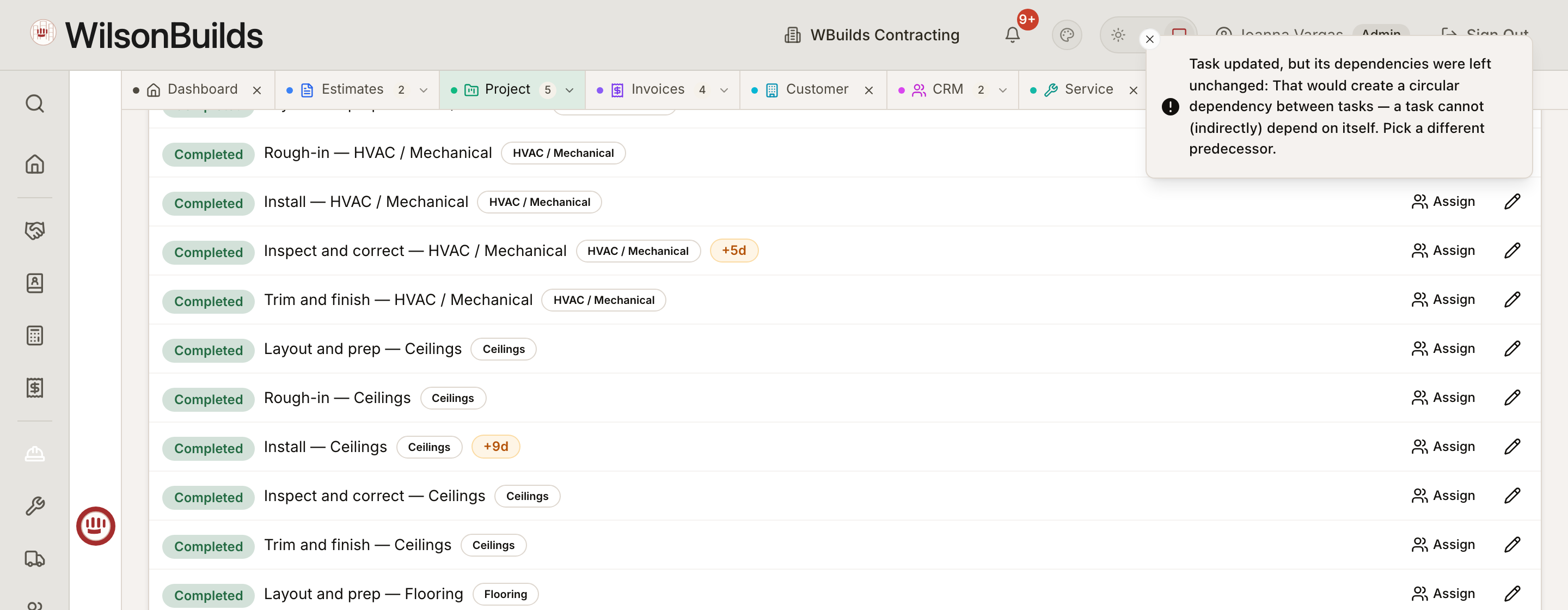
Catch conflicting task links
WilsonBuilds stops a dependency that would create a loop, so you can correct the sequence before it disrupts the plan.
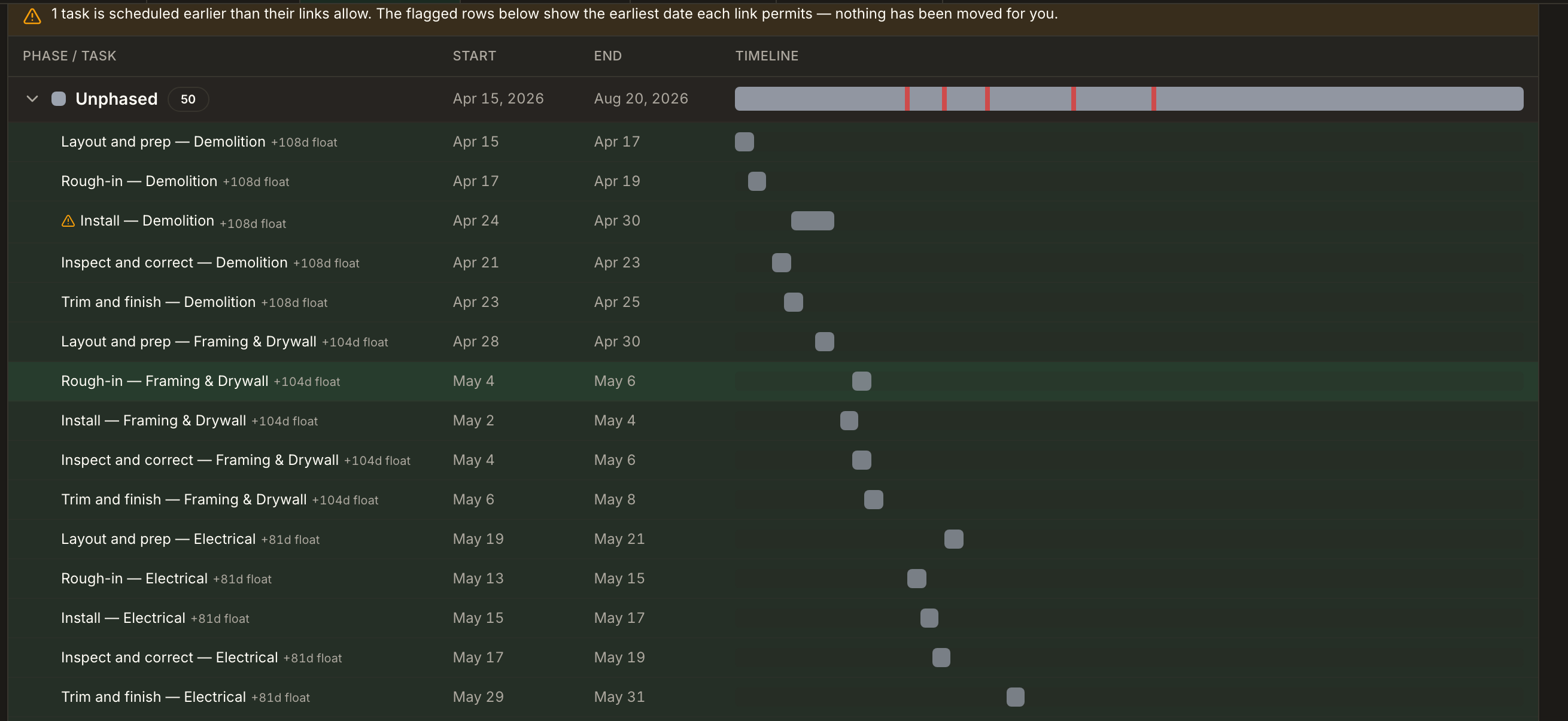
See what puts the finish date at risk
Review critical-path tasks and float. When scheduled dates conflict with task dependencies, a warning helps you see where the plan needs attention.
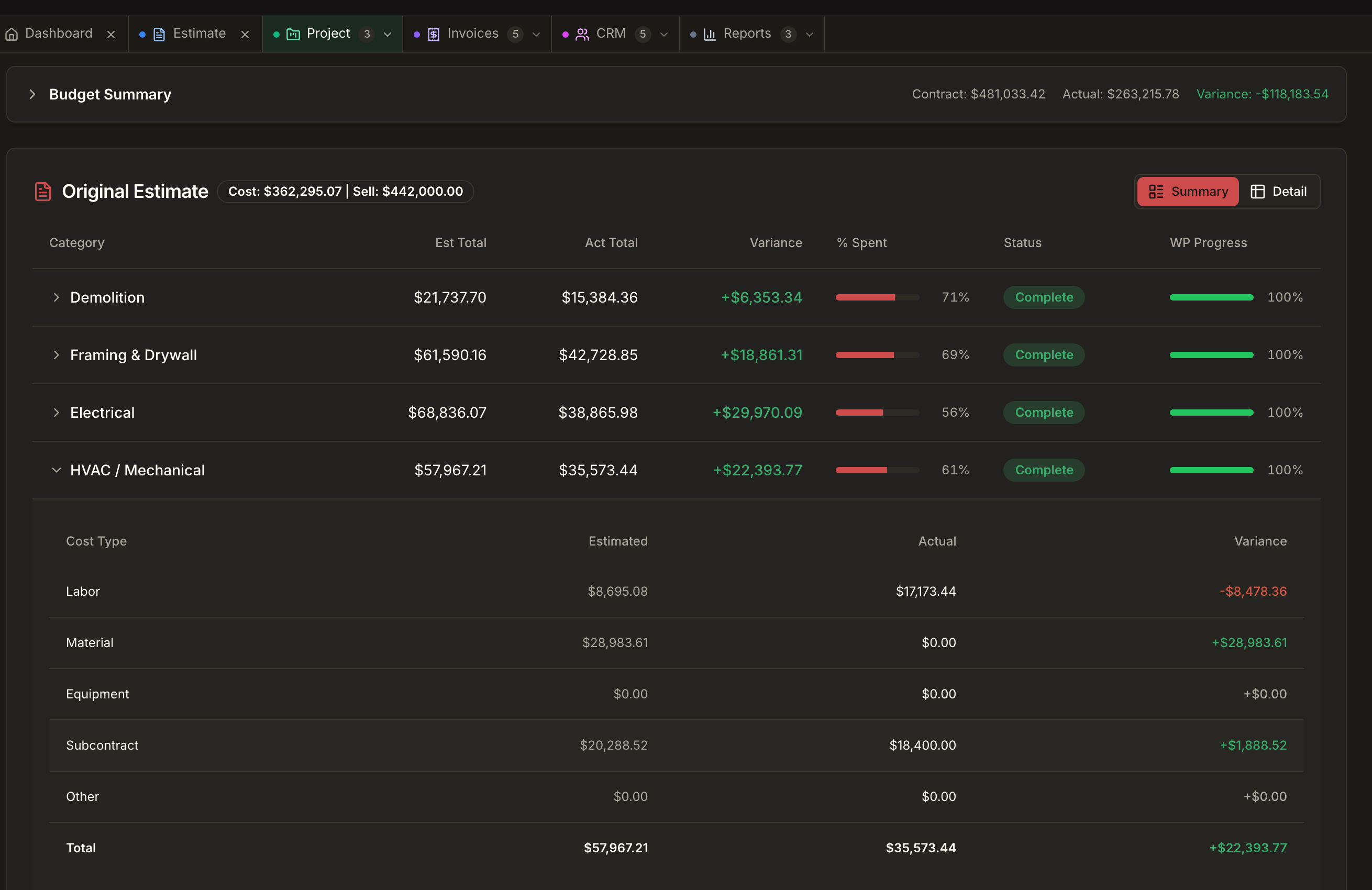
Spot cost overruns by work package
Compare estimated and actual labor, material, equipment, subcontract, and other costs. Recorded hours and expenses help you see where a work package is running over budget.
Connect crew assignments to the field
A crew member’s job assignment controls where they can clock in, keeping office scheduling and field access connected.
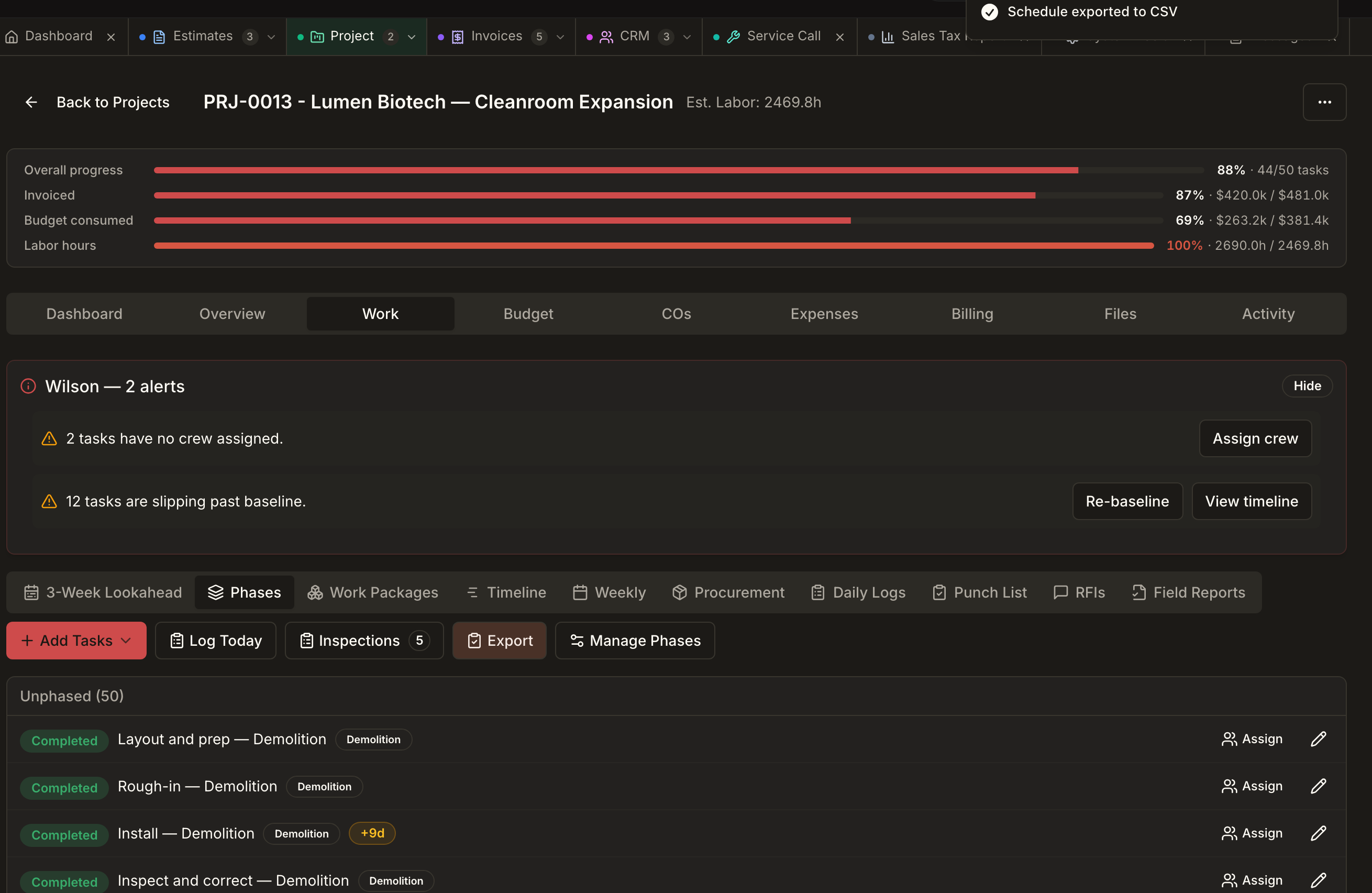
Share the schedule outside your team
Export the task schedule to CSV for a subcontractor, a client, or your own records.
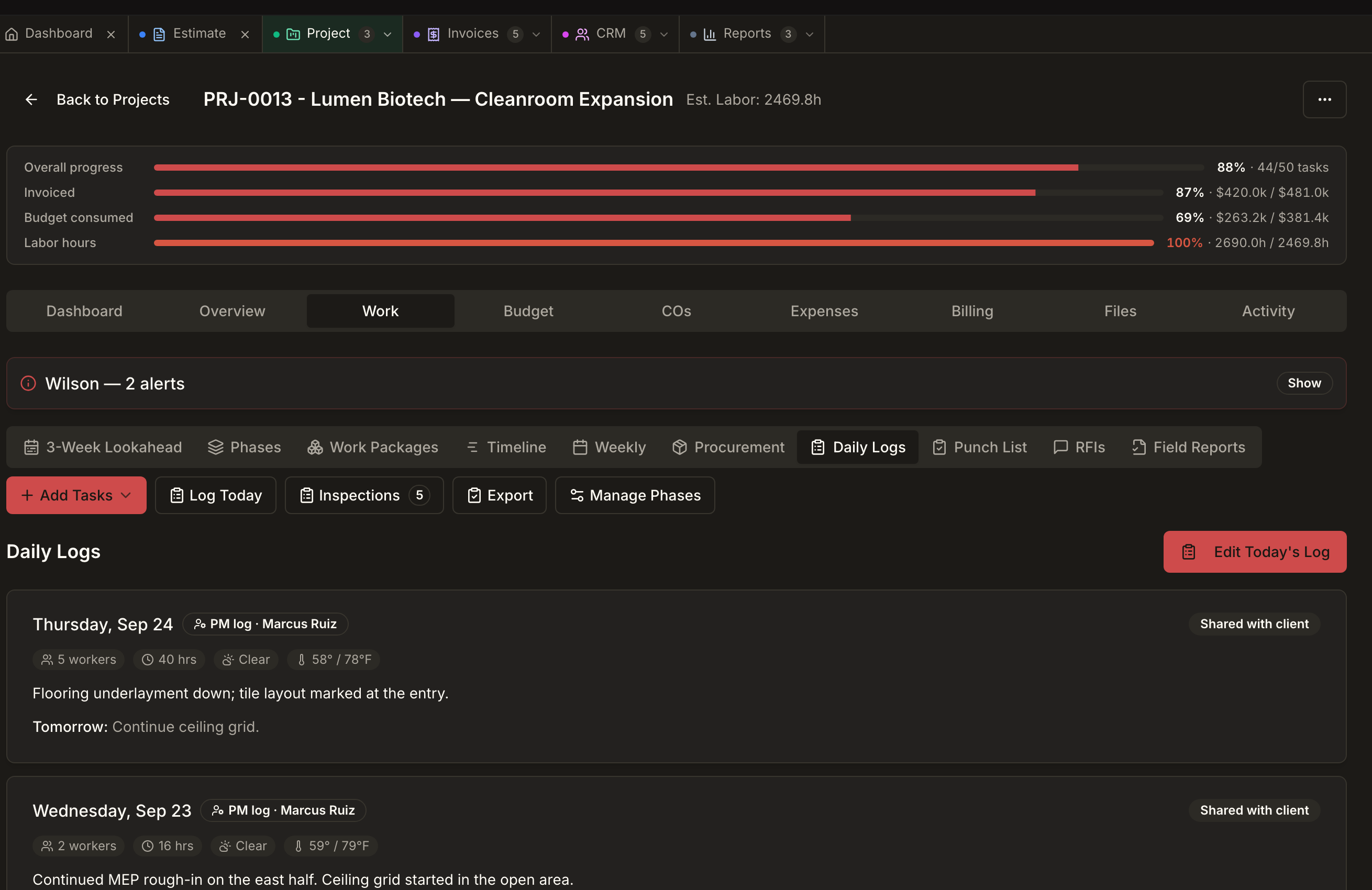
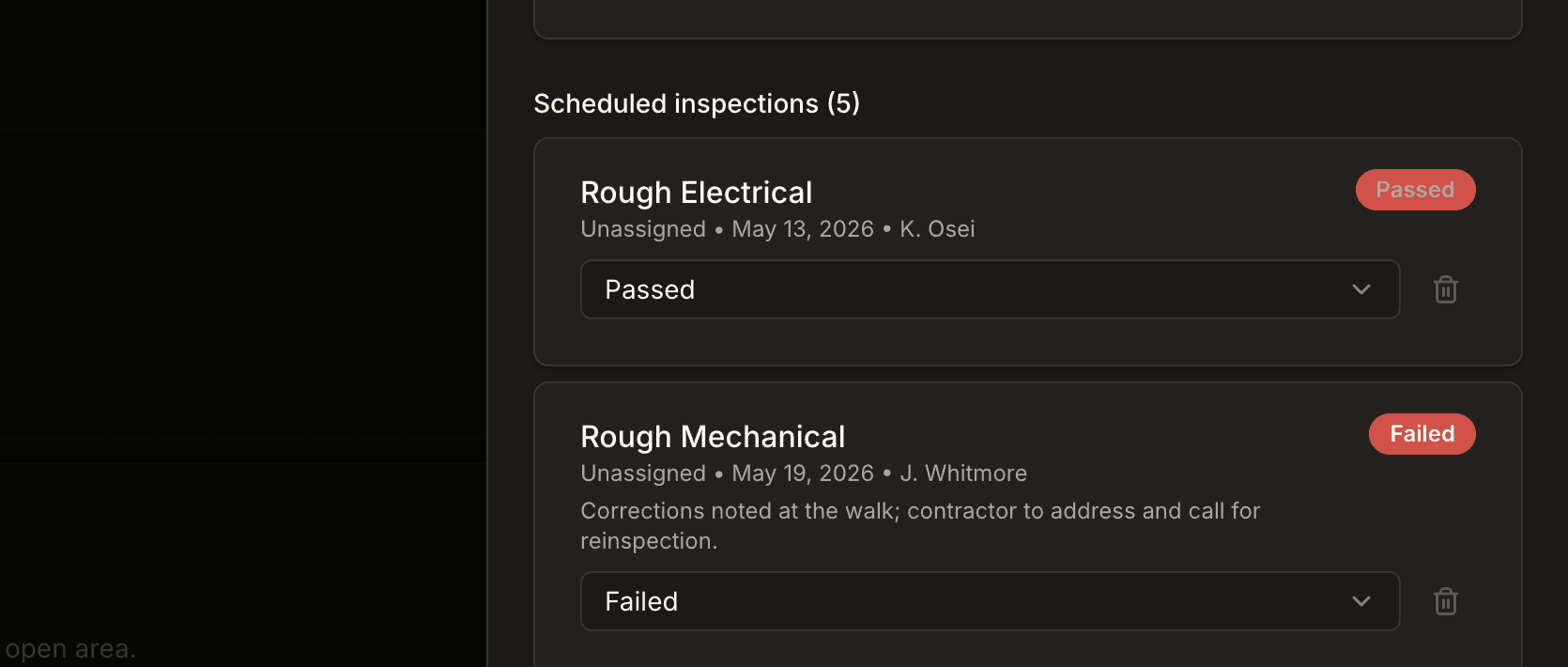
Keep a record of what happened on site
Daily logs and inspections stay with the relevant phase of the job. Review progress, notes, and inspection outcomes when you need the context.
Bring approved changes into the plan
An approved change order can add tasks and dependency links to the schedule, so additional scope can be reflected in the timeline.
Keep customers informed as work progresses
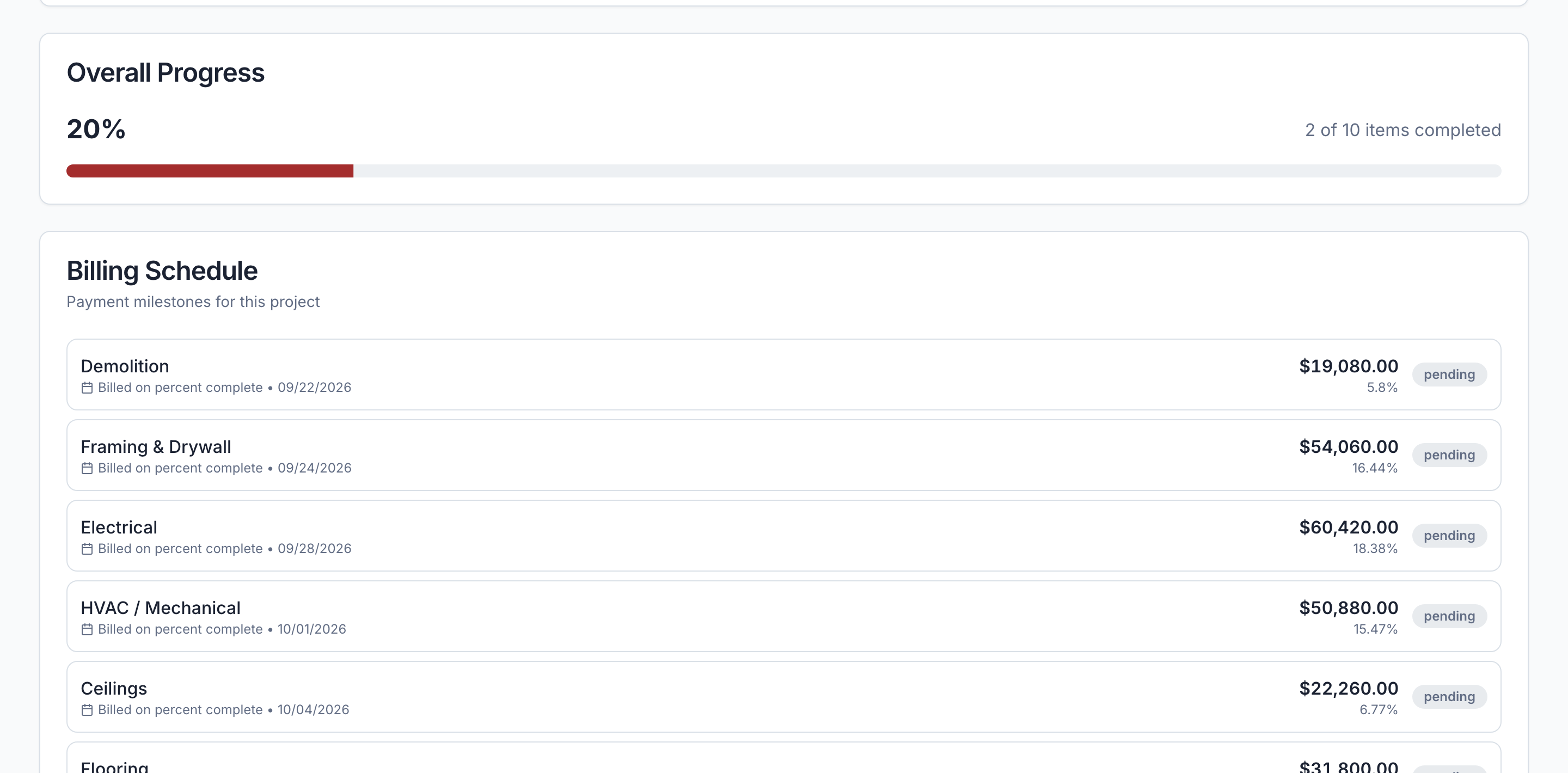
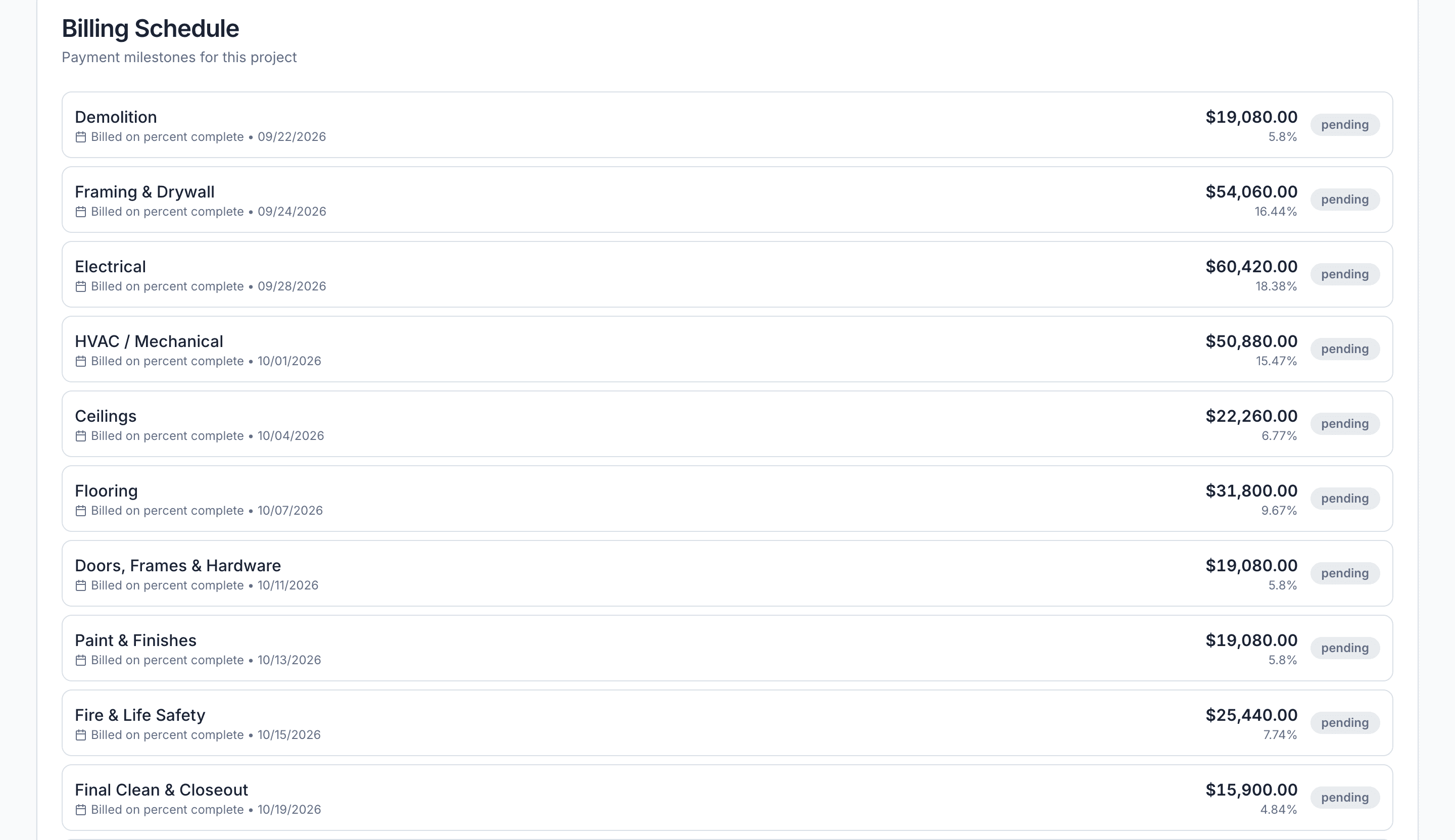
Your client can review project progress and payment milestones in their portal, using the same work packages your team tracks.
Works with
Planned pricing: $199.99/month, all modules included — see pricing
Start free trial