Crew app
Give the crew a clear place to start.
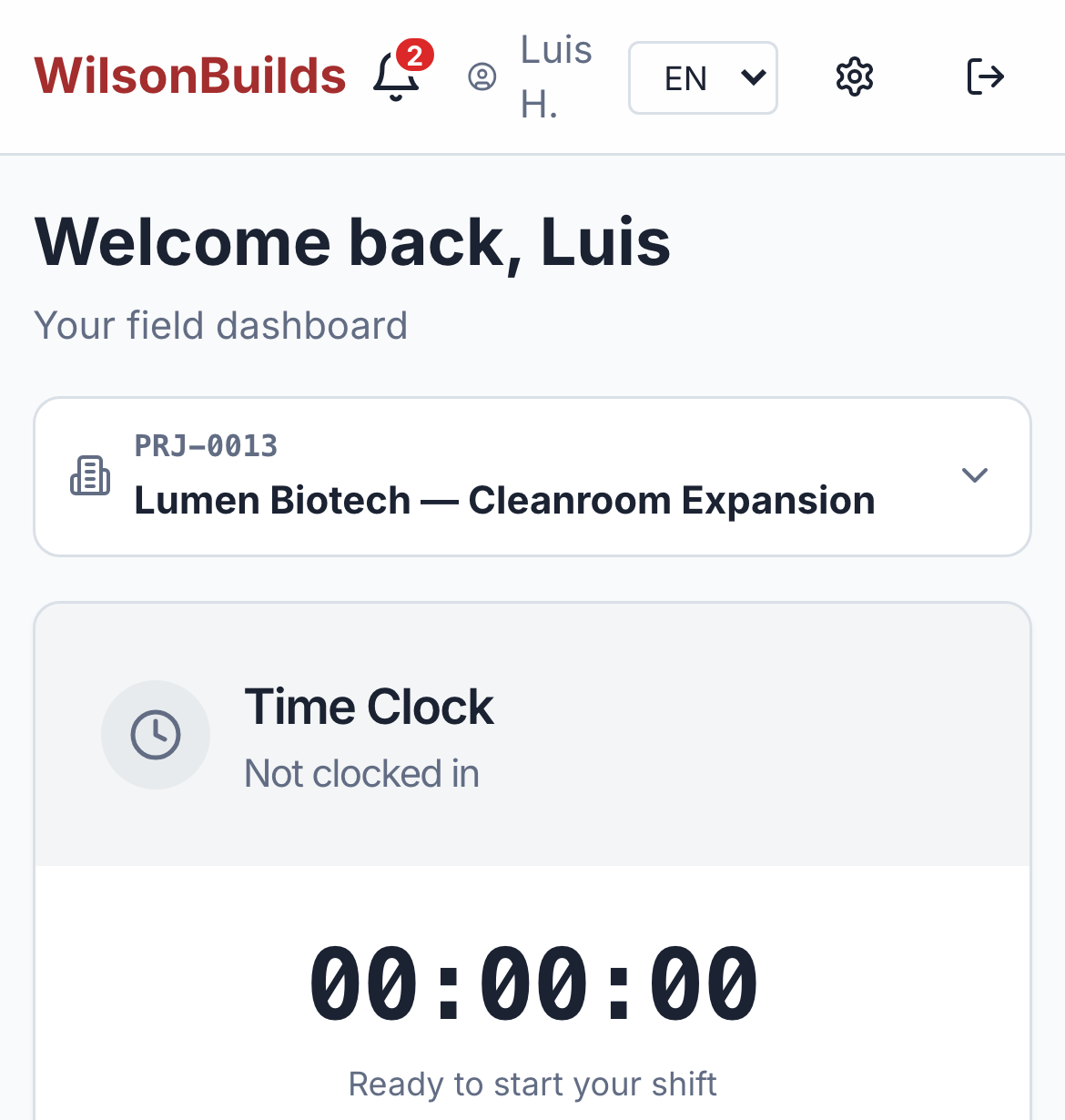
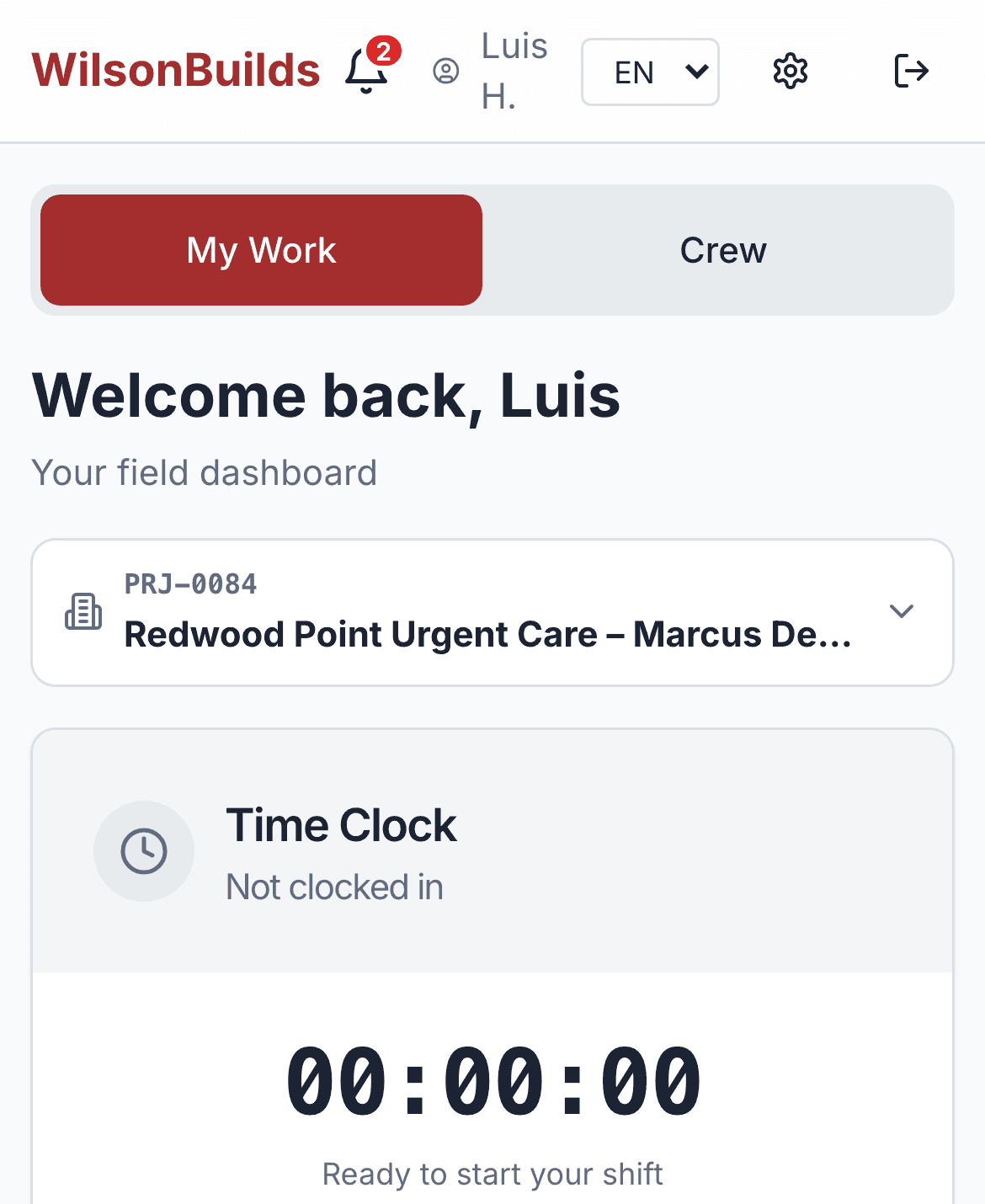
Help crews find their assigned work, record hours, and report progress from the field. The crew app works in a mobile browser, with English and Spanish support and an Android download.
The field records the work. Supervisors review it. Your crew gets a focused app for the job, while the office keeps hours and progress connected to the wider project.
Log hours to the work you estimated
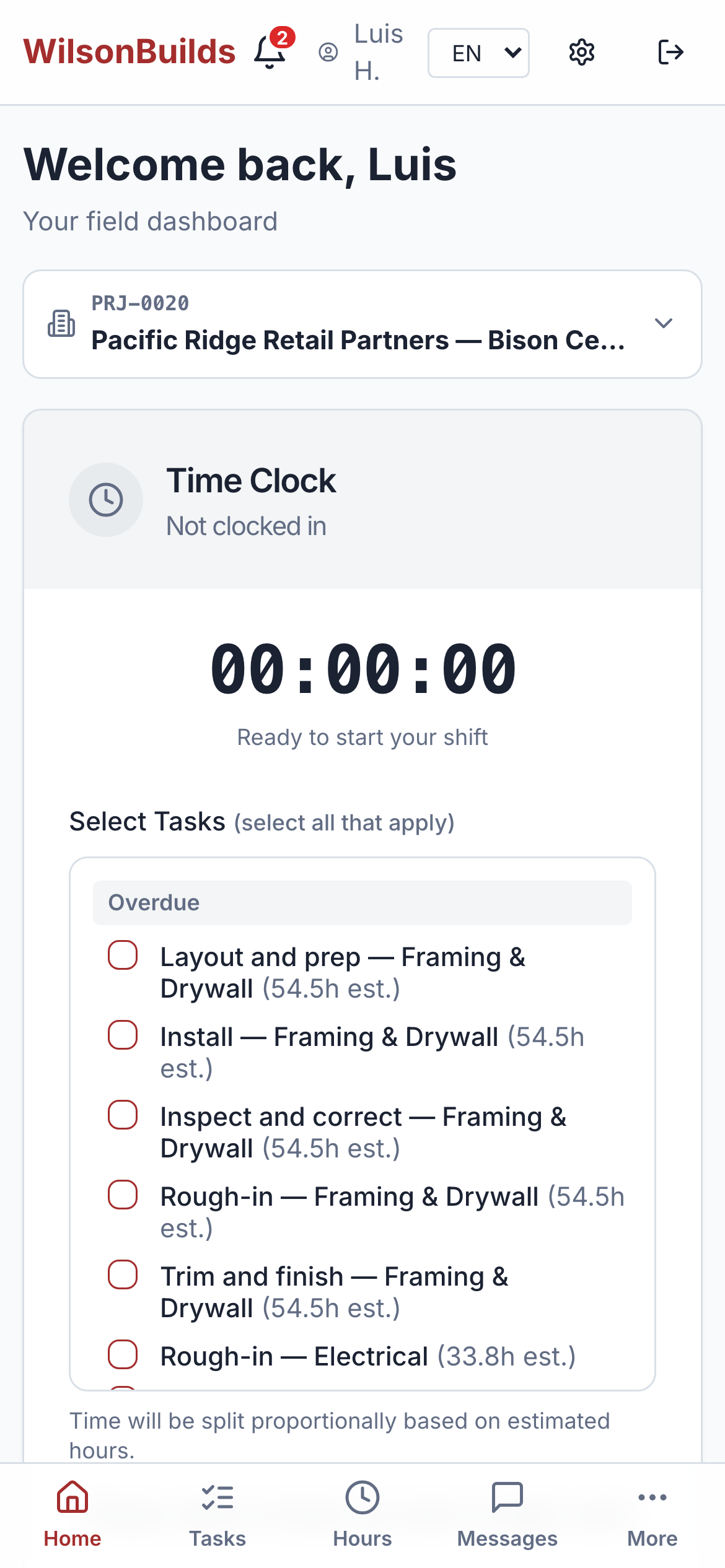
Crew members record time against project tasks. Allocated hours count against the linked estimated items, giving the office a view of hours used versus hours budgeted for each item.
Keep the crew and office in conversation
Internal messaging connects crew members and office staff. Discuss the work alongside project tasks, field updates and time records.
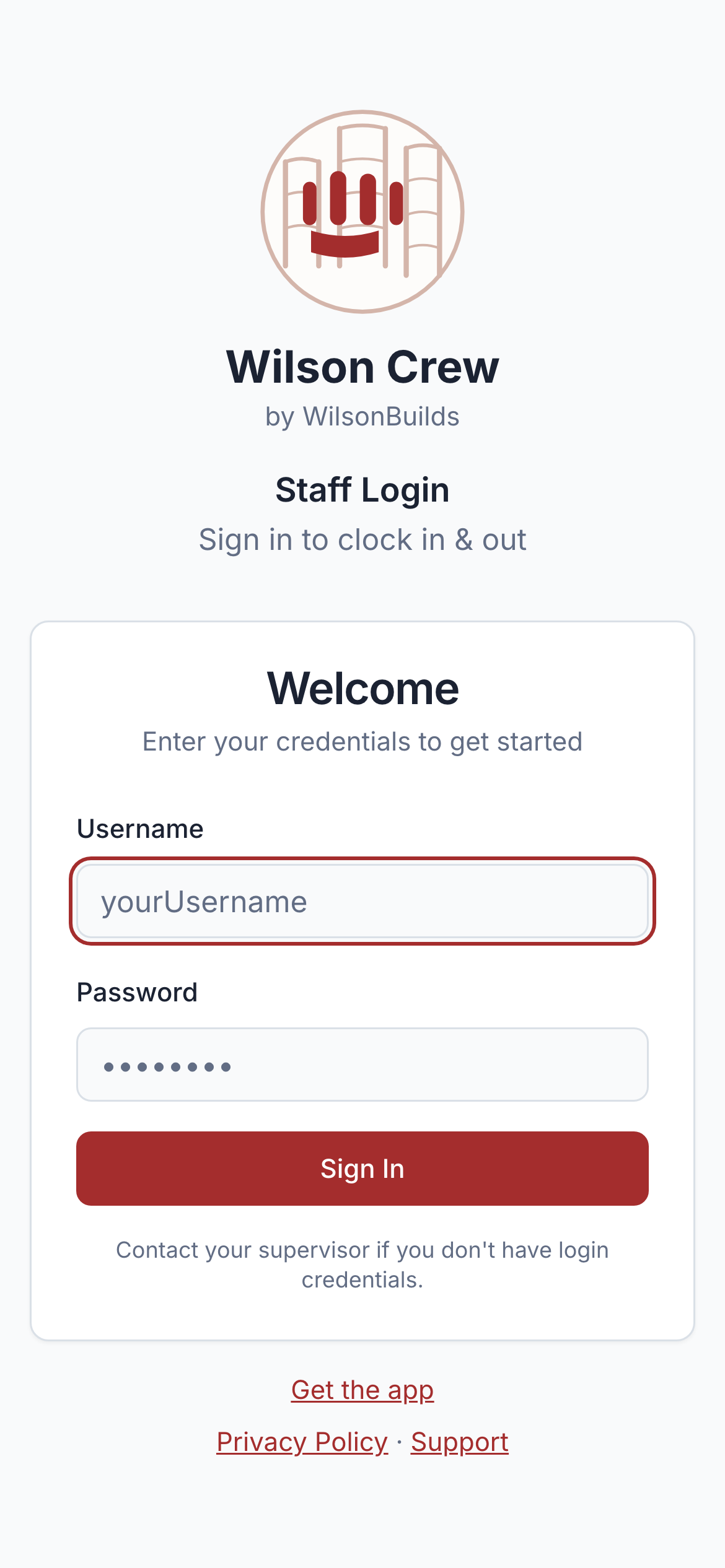
Get started with an employer-issued username
Your company creates each crew account. Workers sign in with a username, so a company email address is not required. Already have an account? Use Crew sign in.
Record time against assigned work
Clock-in checks the worker’s job assignment and records the labor rate in effect for that entry. Foreman-assisted clock-ins follow the same checks.
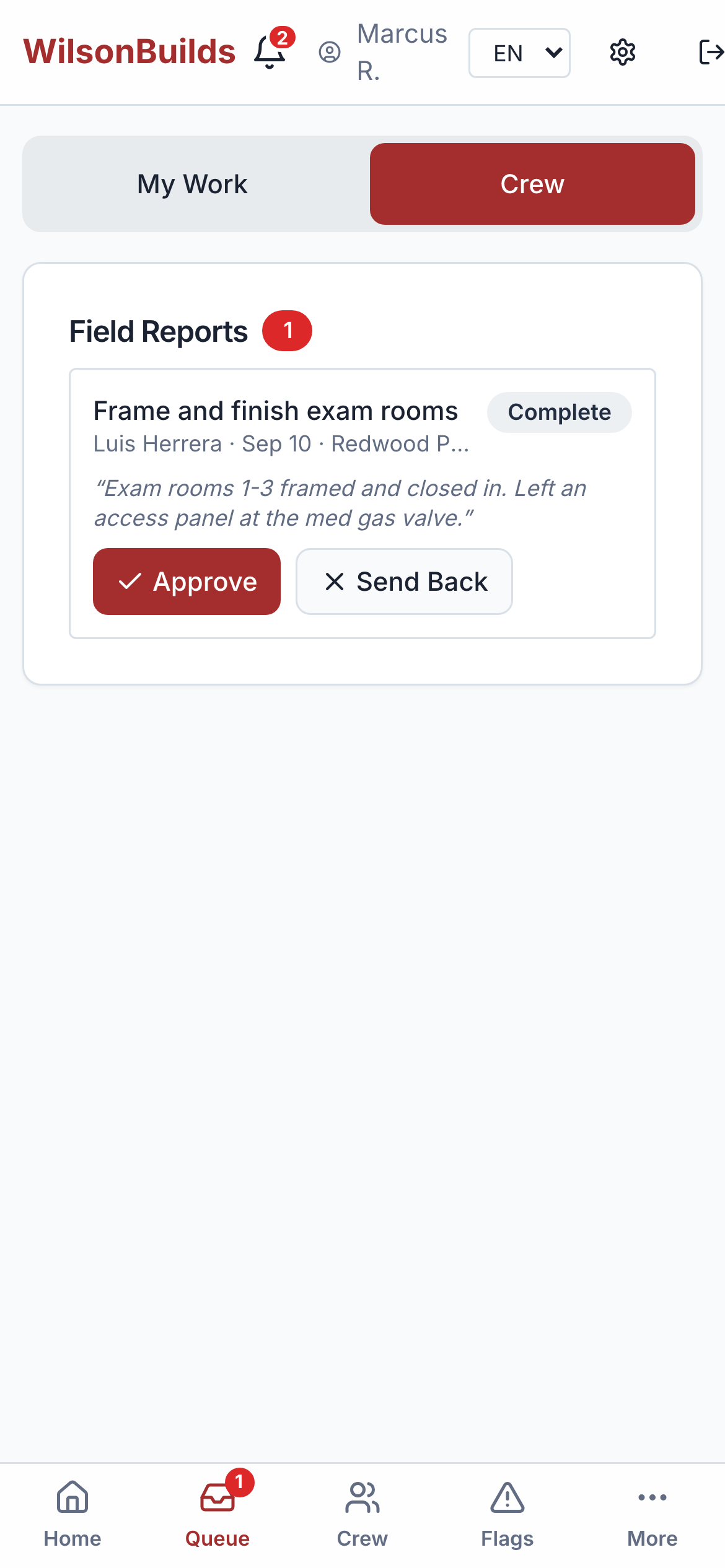
Review field reports before closing work
Crew members submit completion reports or flag an issue. A supervisor can approve, send back with a reason, or route the issue to a punch list or change order.
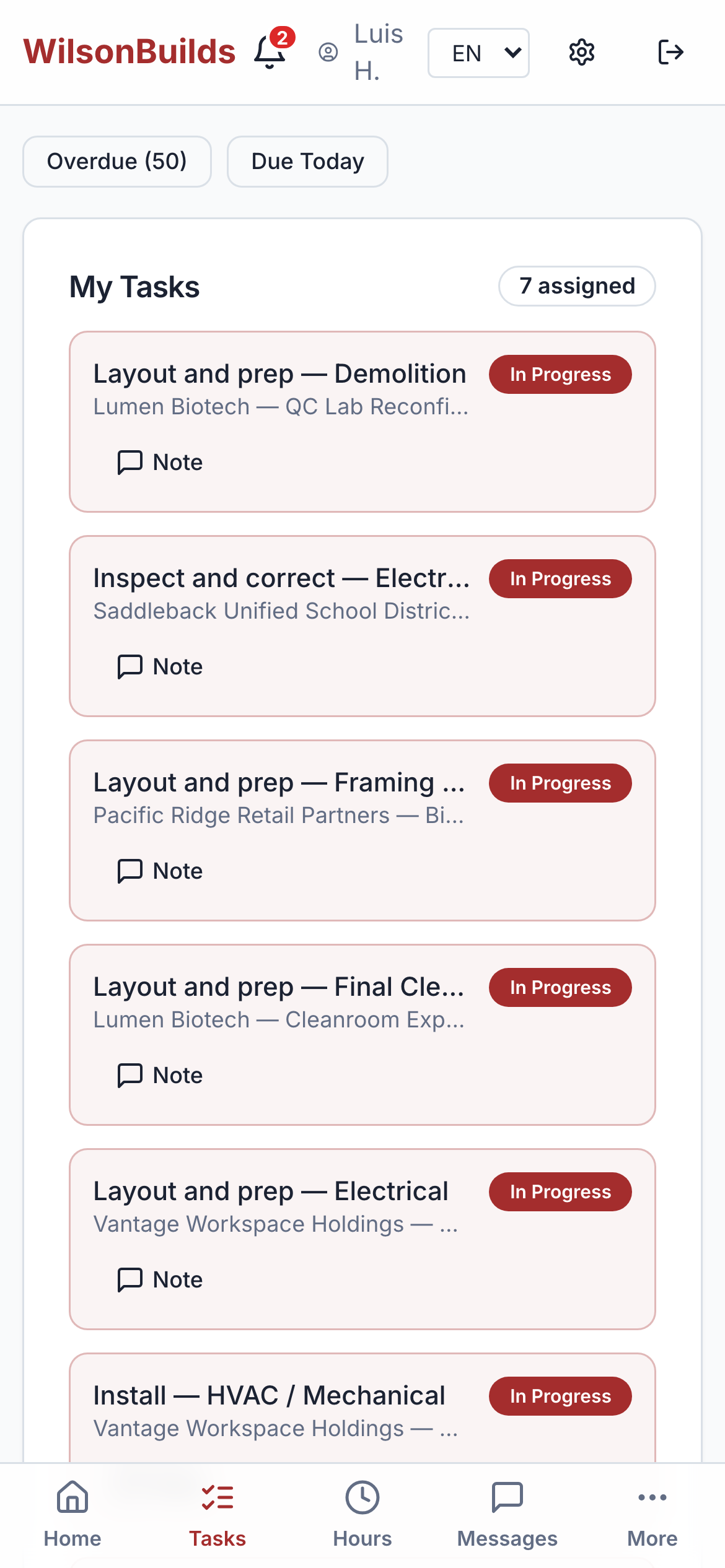
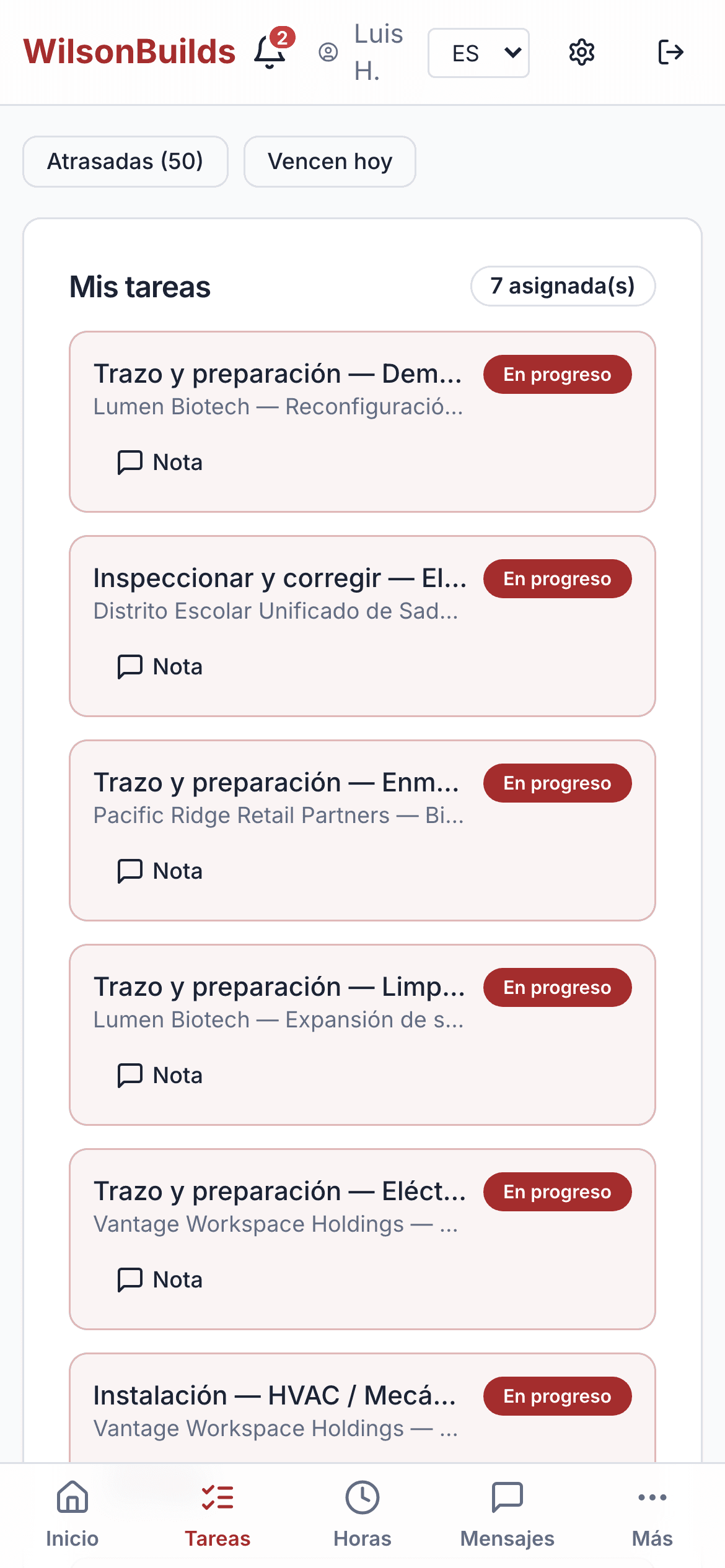
Give the crew English and Spanish task views
Job and task names entered in English can appear in Spanish for the crew. Each worker’s language preference follows their account.
Open it on the phone you already use
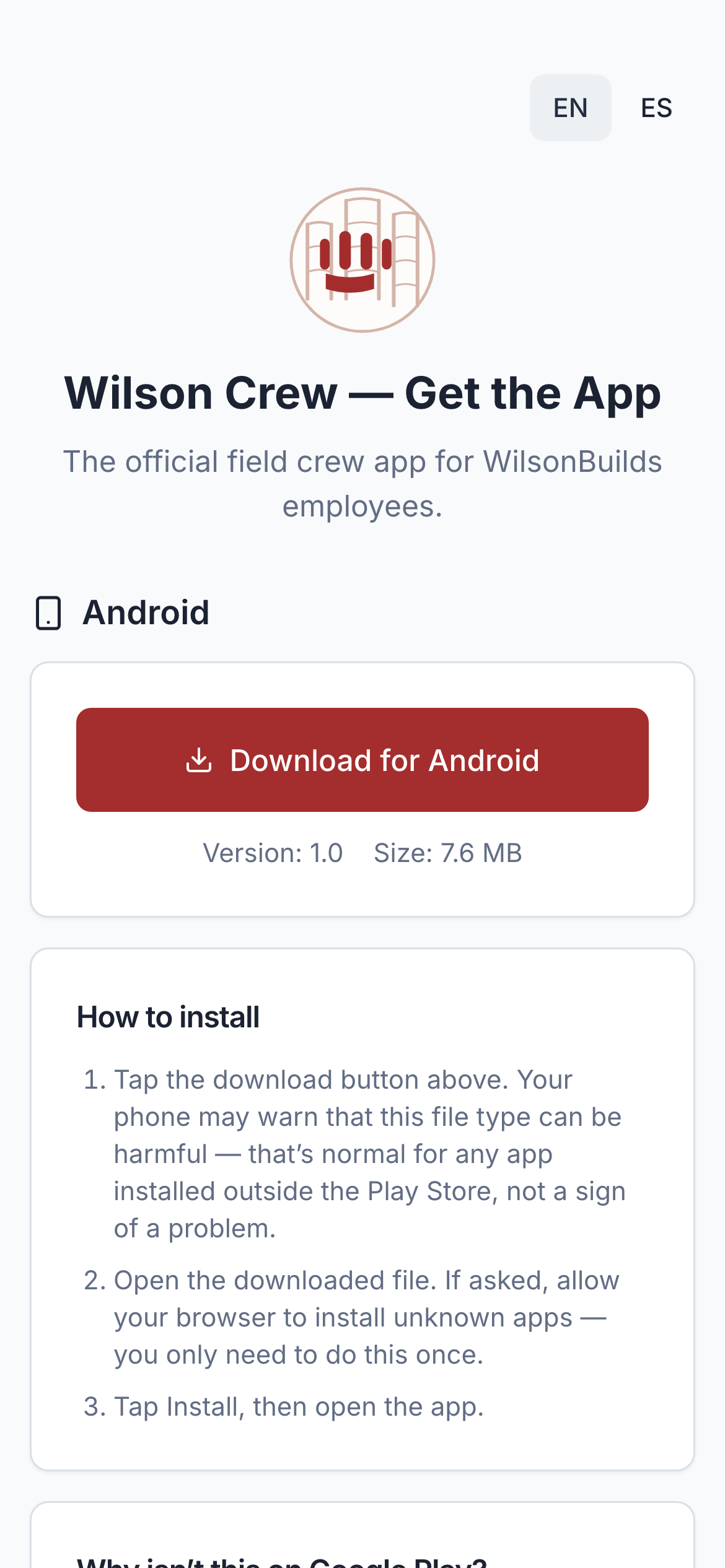
Use the crew app in a mobile browser, including on iPhone, or download the Android app directly. A dedicated iOS app is planned.
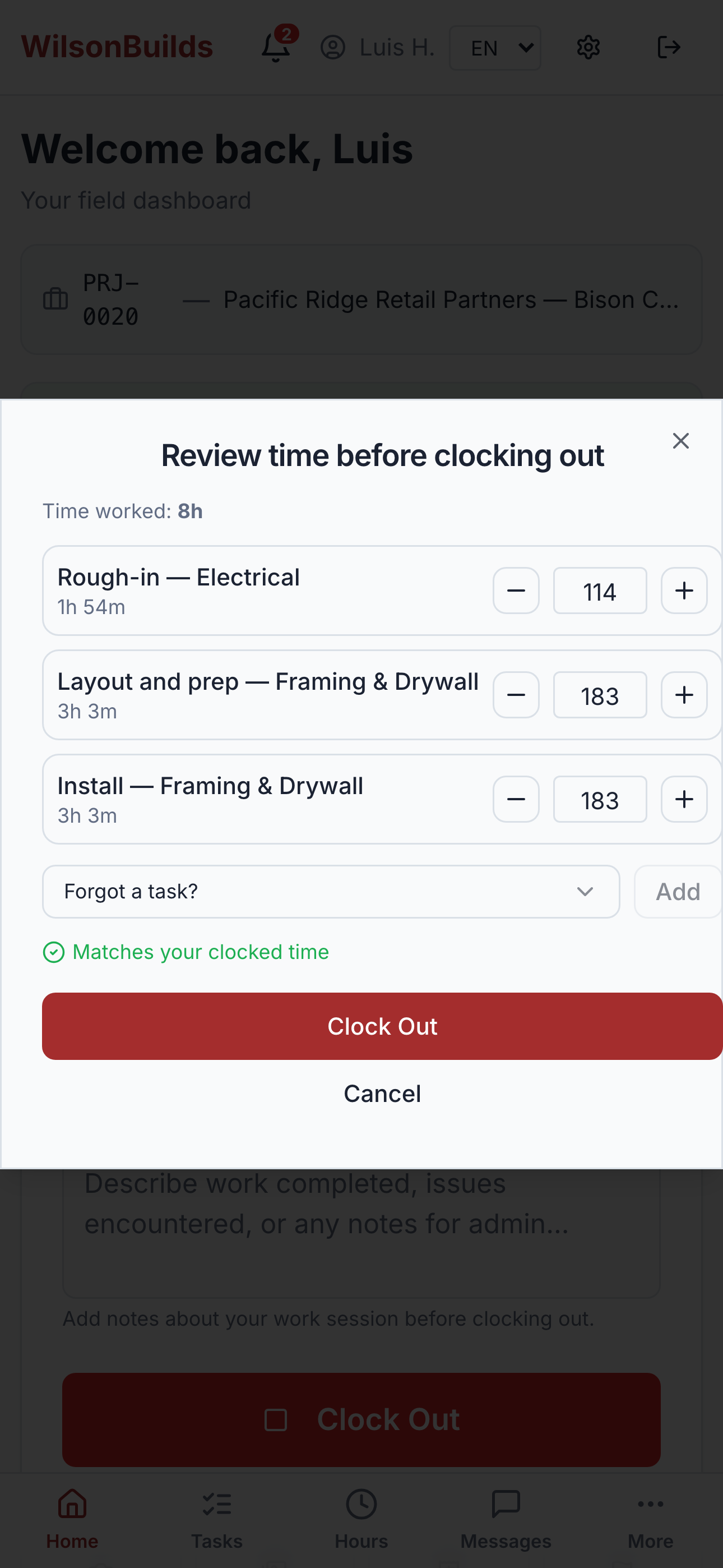
Allocate the shift across the day’s tasks
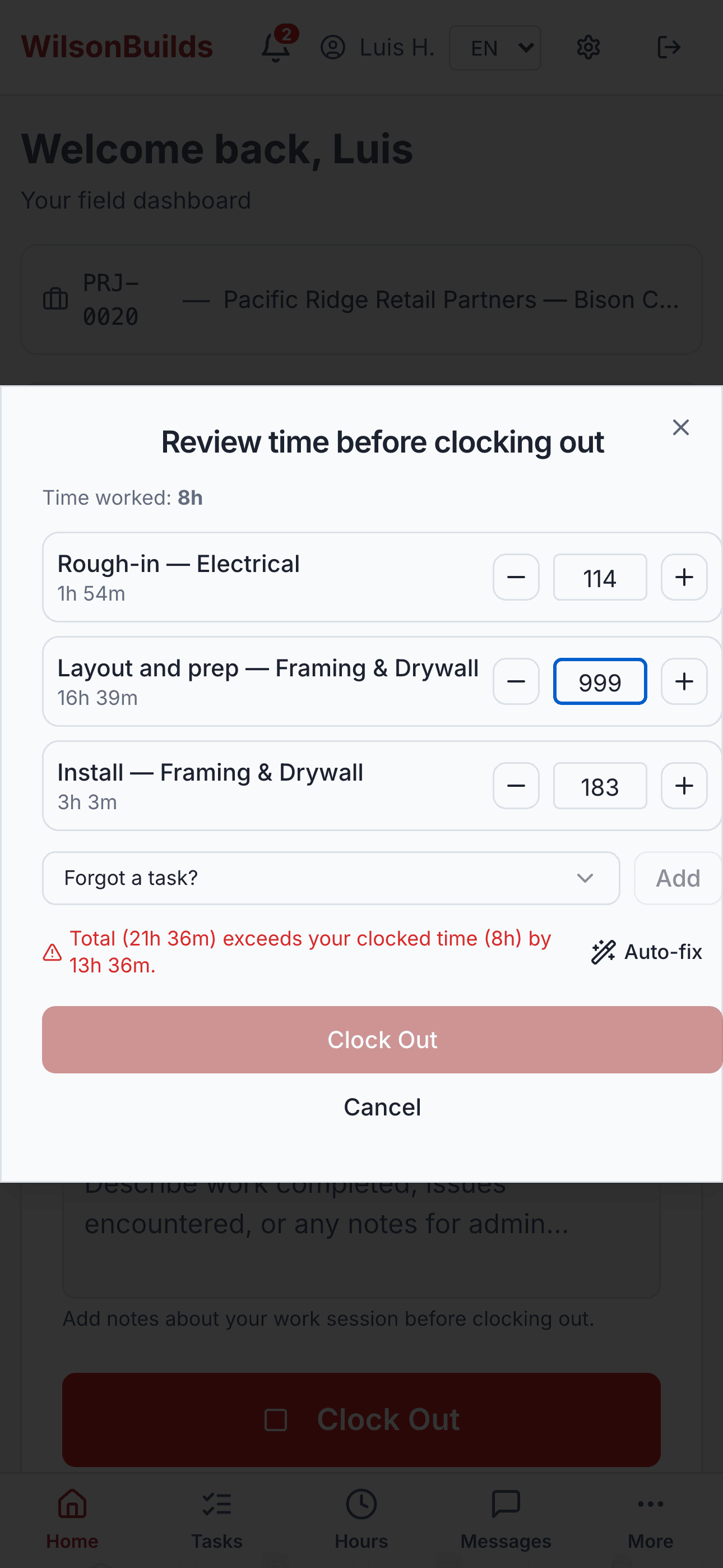
At clock-out, review the suggested allocation of hours and adjust it to match the work. The total cannot exceed the time worked.
Dictate field notes in Spanish
A worker can dictate a note in Spanish for the office to read in English. Spanish-speaking crew members can read the original words in the crew app. Dictation saves text, rather than a replayable audio recording.
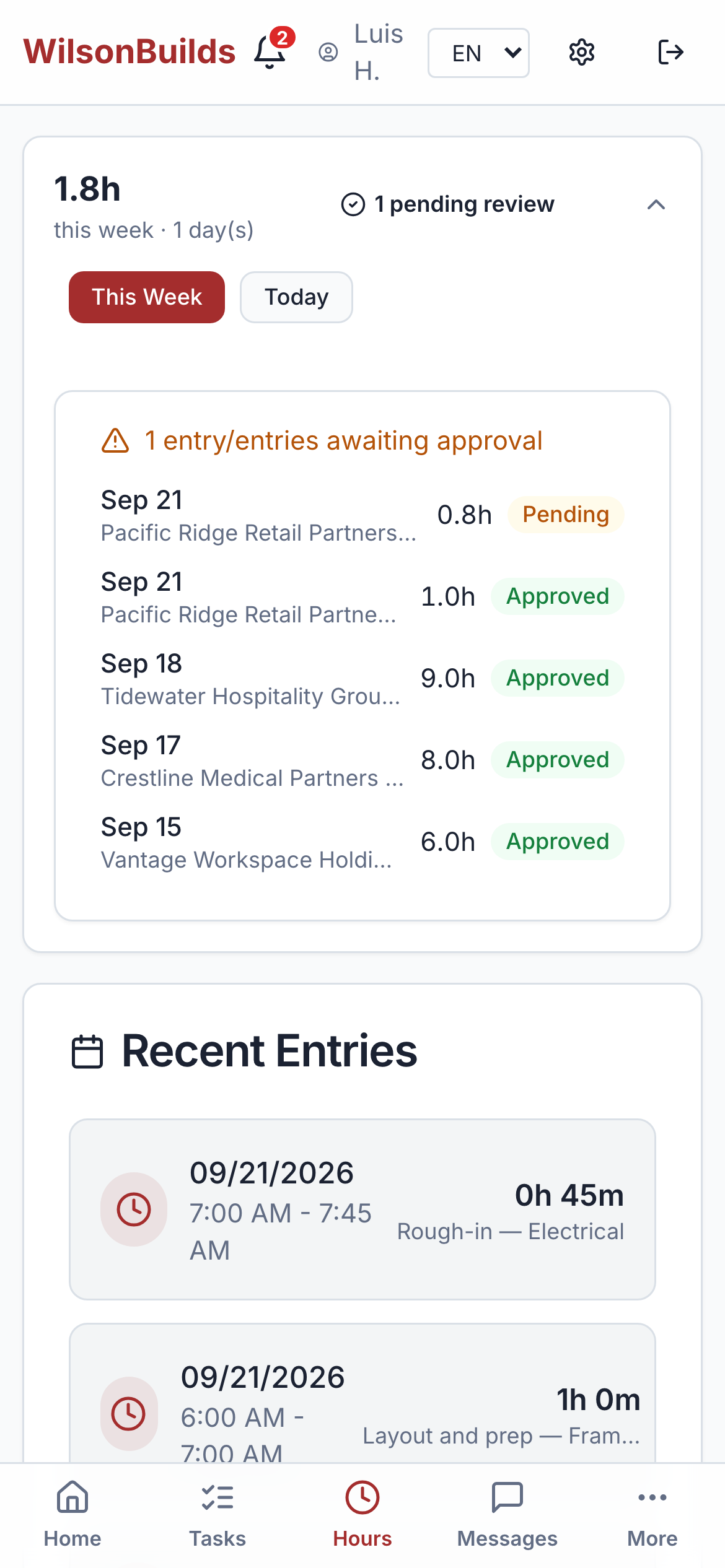
Make hours easier to review
Weekly hours follow your company’s workweek and timezone. Each entry shows whether it is pending, approved, or sent back, with the reason available to the worker.
Give supervisors access for the jobs they lead
A worker can be crew on one job and a supervisor on another. Review controls appear for the jobs they are assigned to lead.
Find the job with a QR code
A site QR code opens the relevant job. The worker still clocks in through the normal assignment check.
Planned pricing: $199.99/month, all modules included — see pricing
Start free trial