Client portal
Give customers one place to review and respond.
Give customers one login to review estimates, approve changes, follow progress, and access invoices. Keep them informed while keeping your internal costs and margins private.
Put the next decision where your customer can find it, with the scope and progress they need to respond.
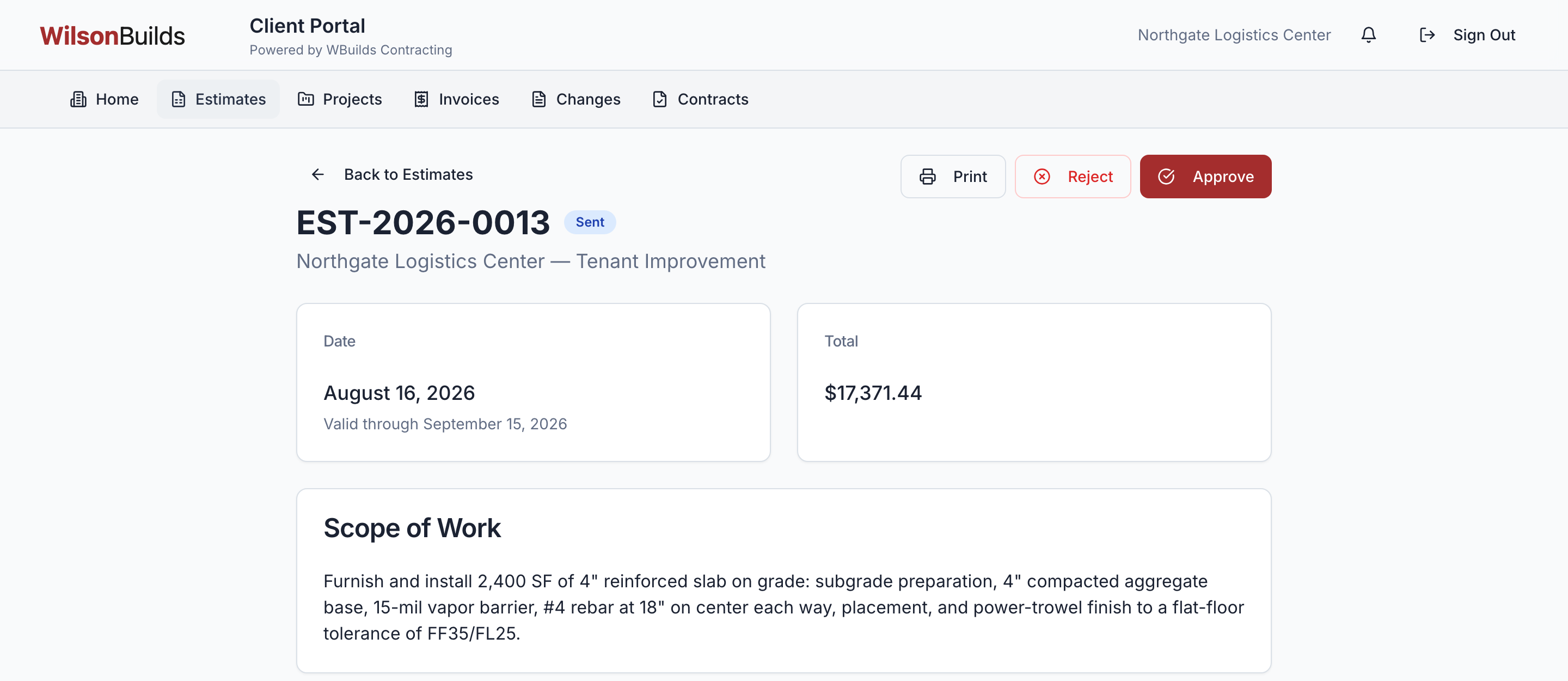
Let customers respond to a sent estimate
Customers can review, approve, or reject an estimate in their portal while it is awaiting a decision.
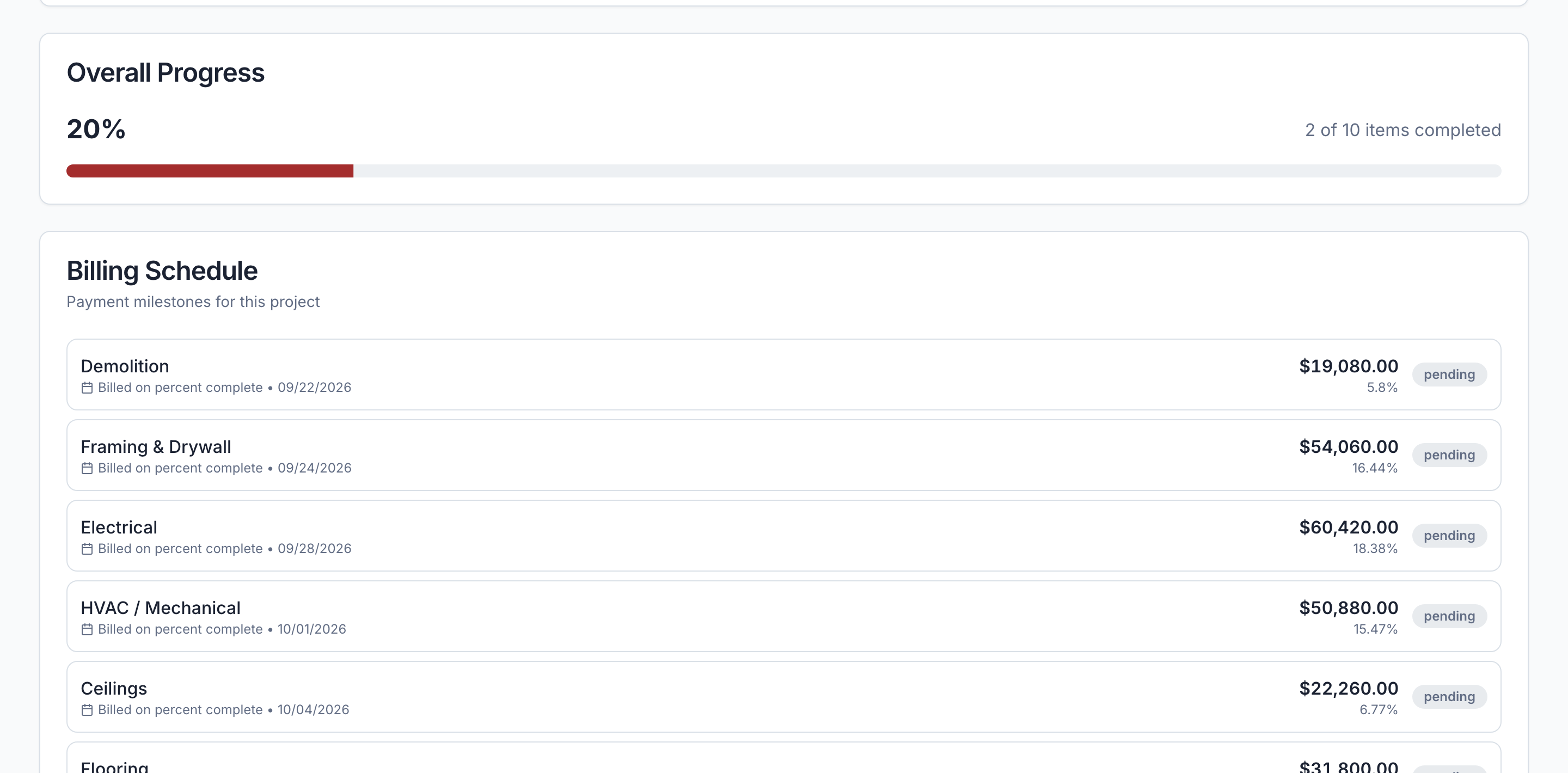
Share progress and payment milestones
Customers see work progress and the payment schedule. Internal cost and margin information stays out of their portal.
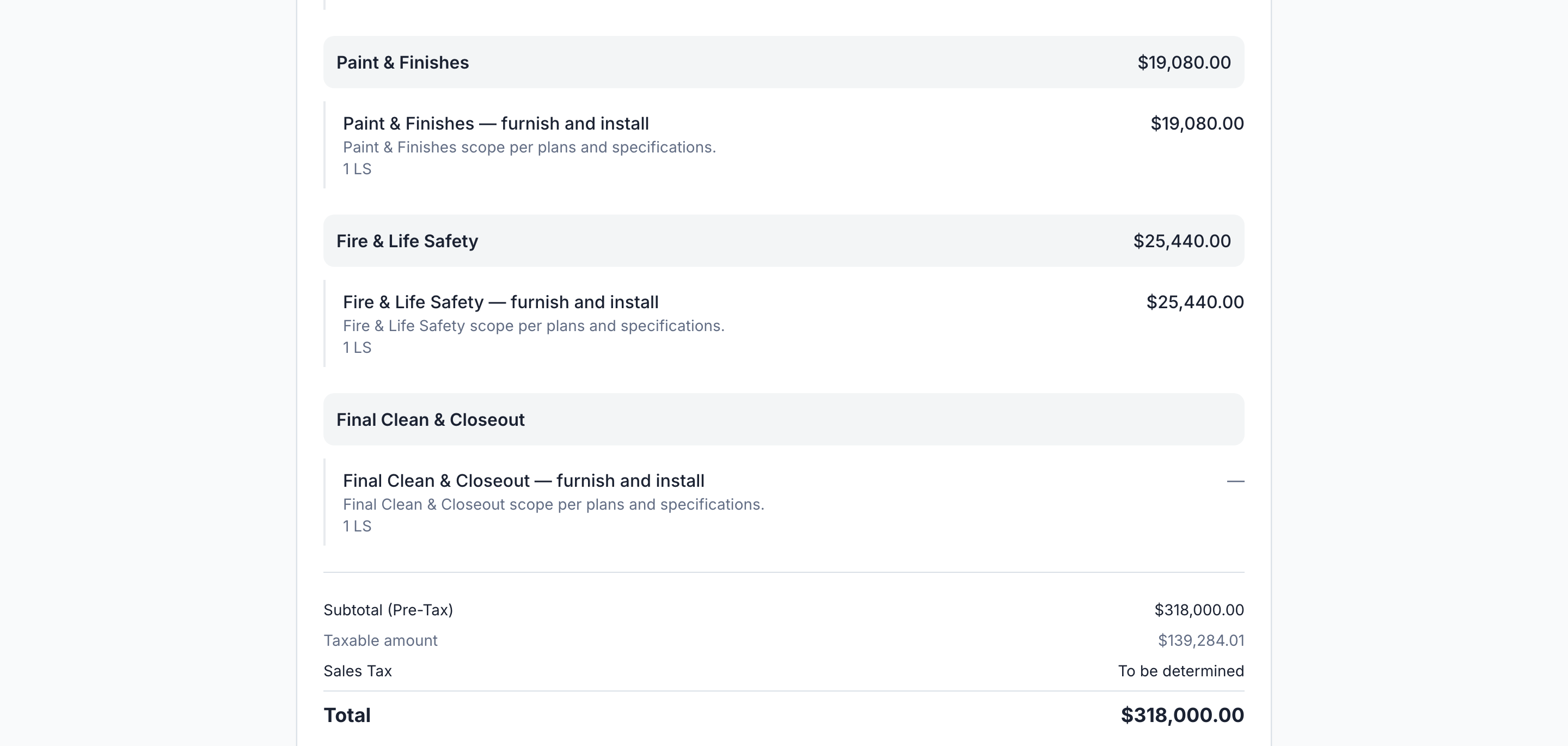
Choose how much pricing detail to show
Show individual prices, category totals, or the document total. Your estimate settings control the customer’s view.
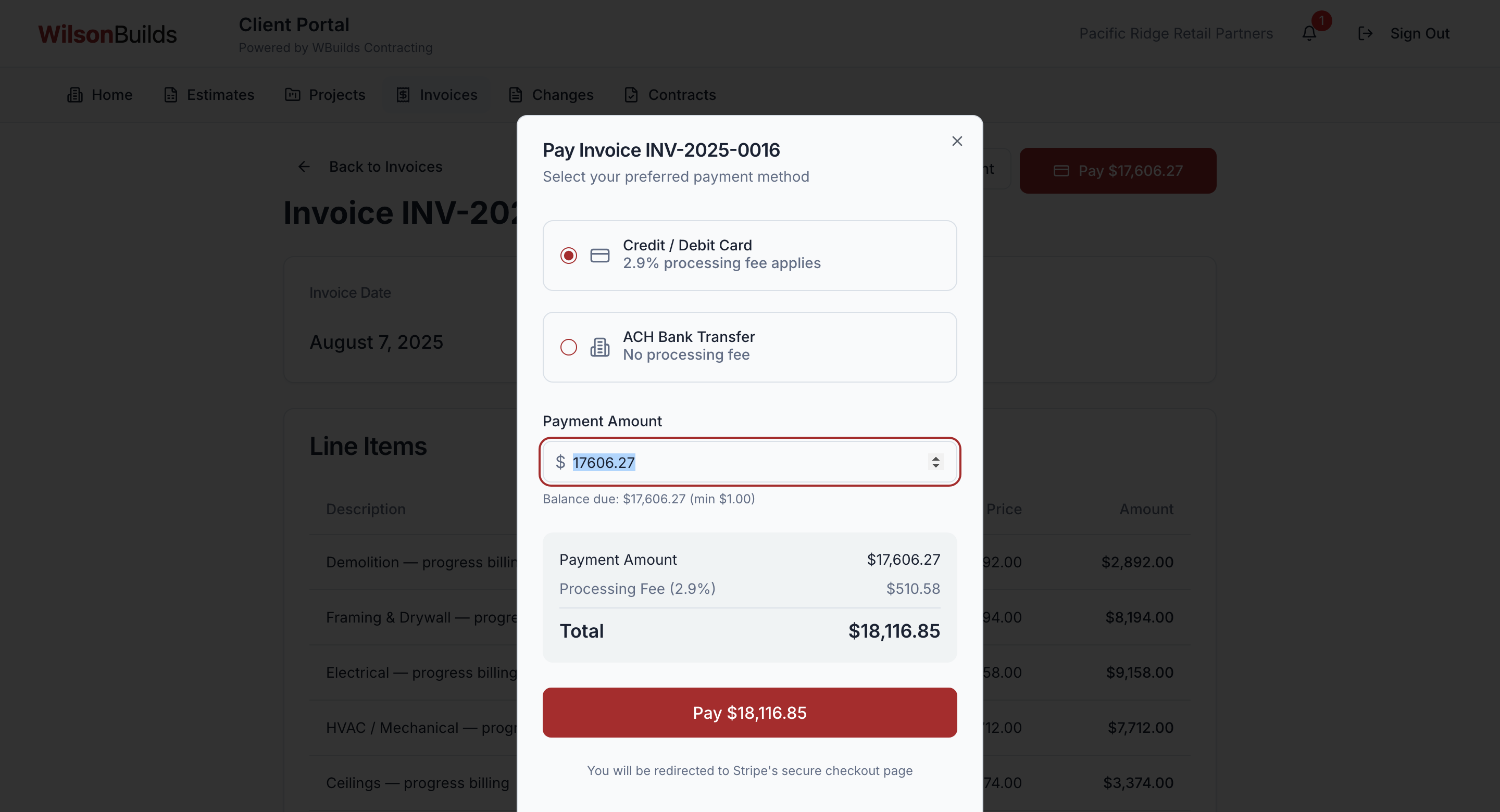
Offer online payments when Stripe is connected
With Stripe connected for your business, customers can choose card or ACH and make a partial payment. The payment screen shows the amount and applicable card fee before checkout.
Send a payment link without a portal login
A one-time, expiring payment link gives a customer another way to reach the payment page.

Make the signing step clear
The consent text appears directly above the checkbox. The signature record stays with the document it covers for later review.

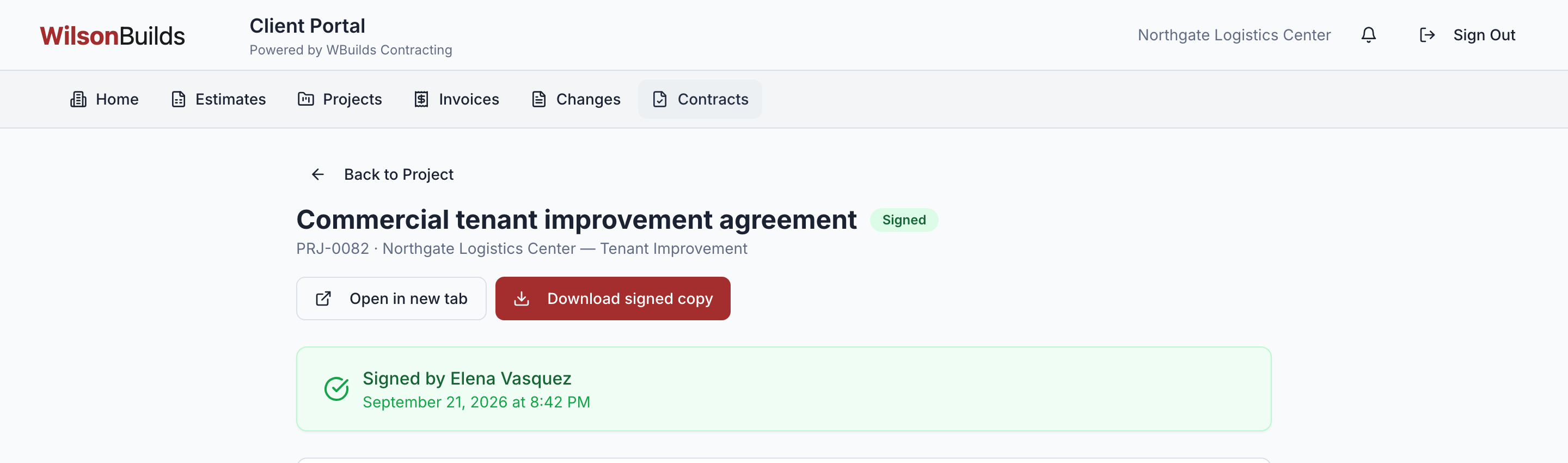
Give customers their signed copy
After signing, customers can download the executed document from their portal.
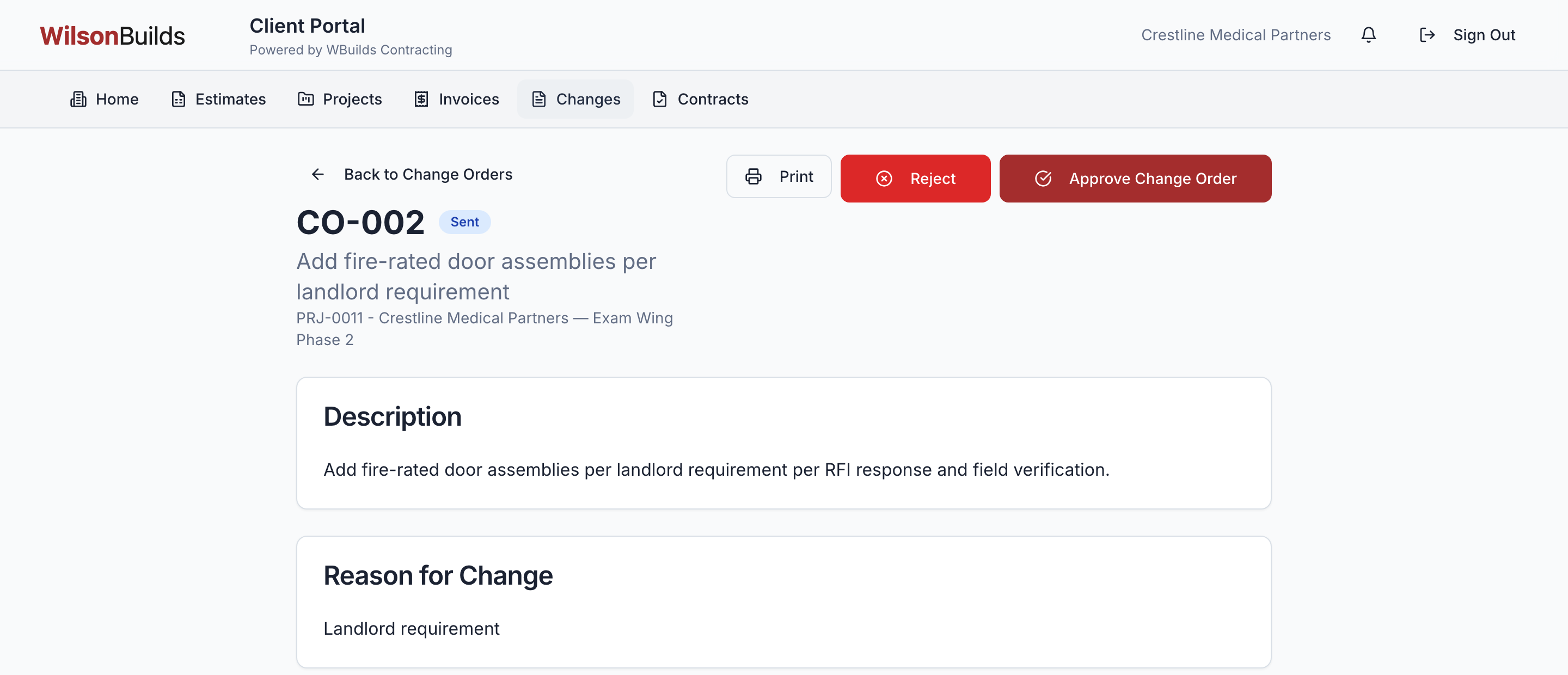
Get a clear decision on change orders
Customers review sent change orders and approve or reject them through the portal, using the same review flow as estimates.
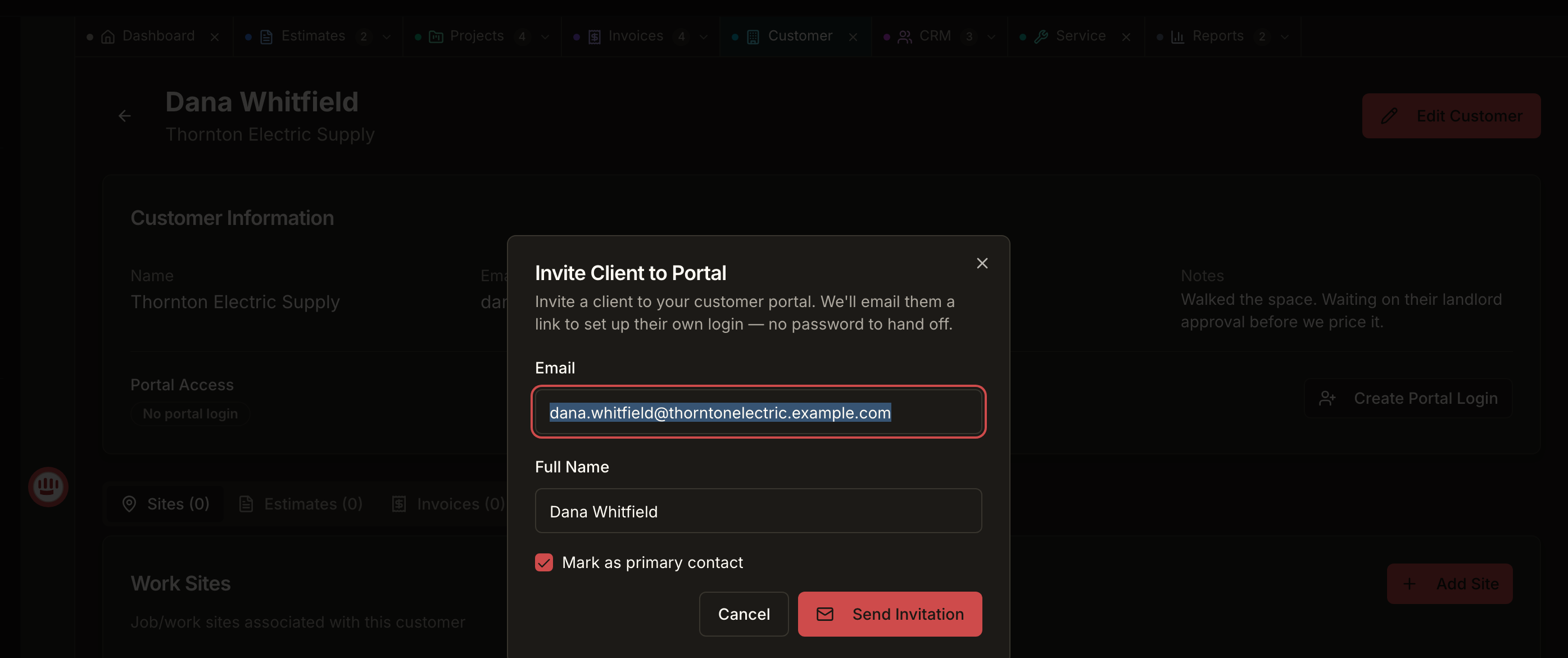
Invite customers to set up their own access
Send the invitation to the customer’s email. They set their own password; staff do not choose one on their behalf.
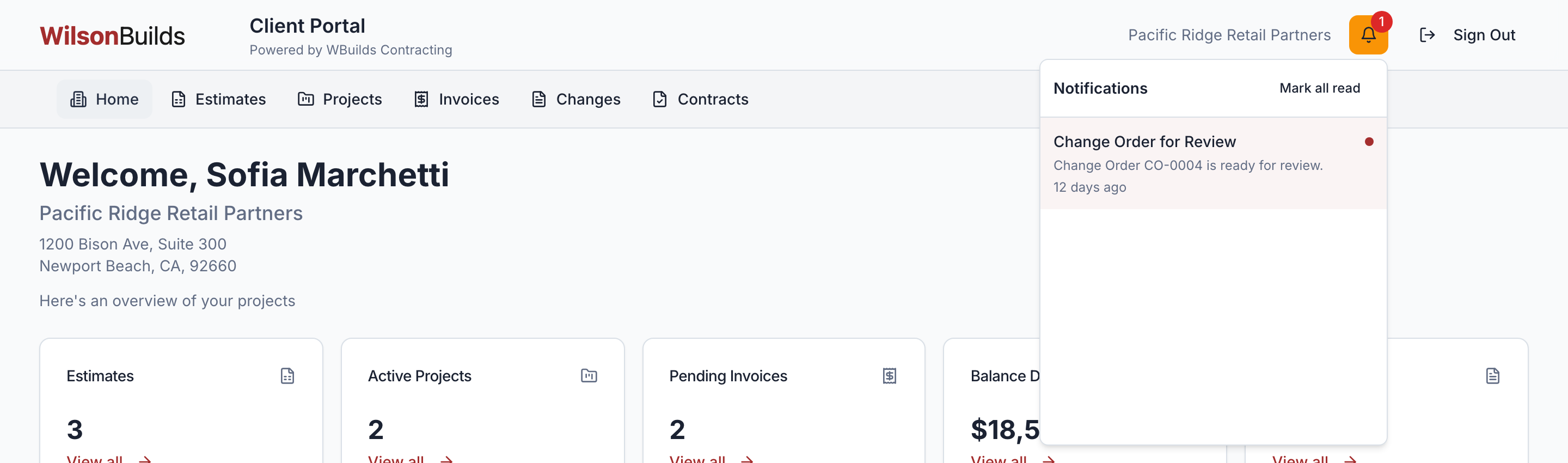
Show customers what needs a response
In-app notifications draw attention to new estimates and change orders waiting for review.
Planned pricing: $199.99/month, all modules included — see pricing
Start free trial